All round360°
Ten cells in one line
One braille cell is six switches. Ten cells run in a single line along the front edge, so a word is built without breaking it up.
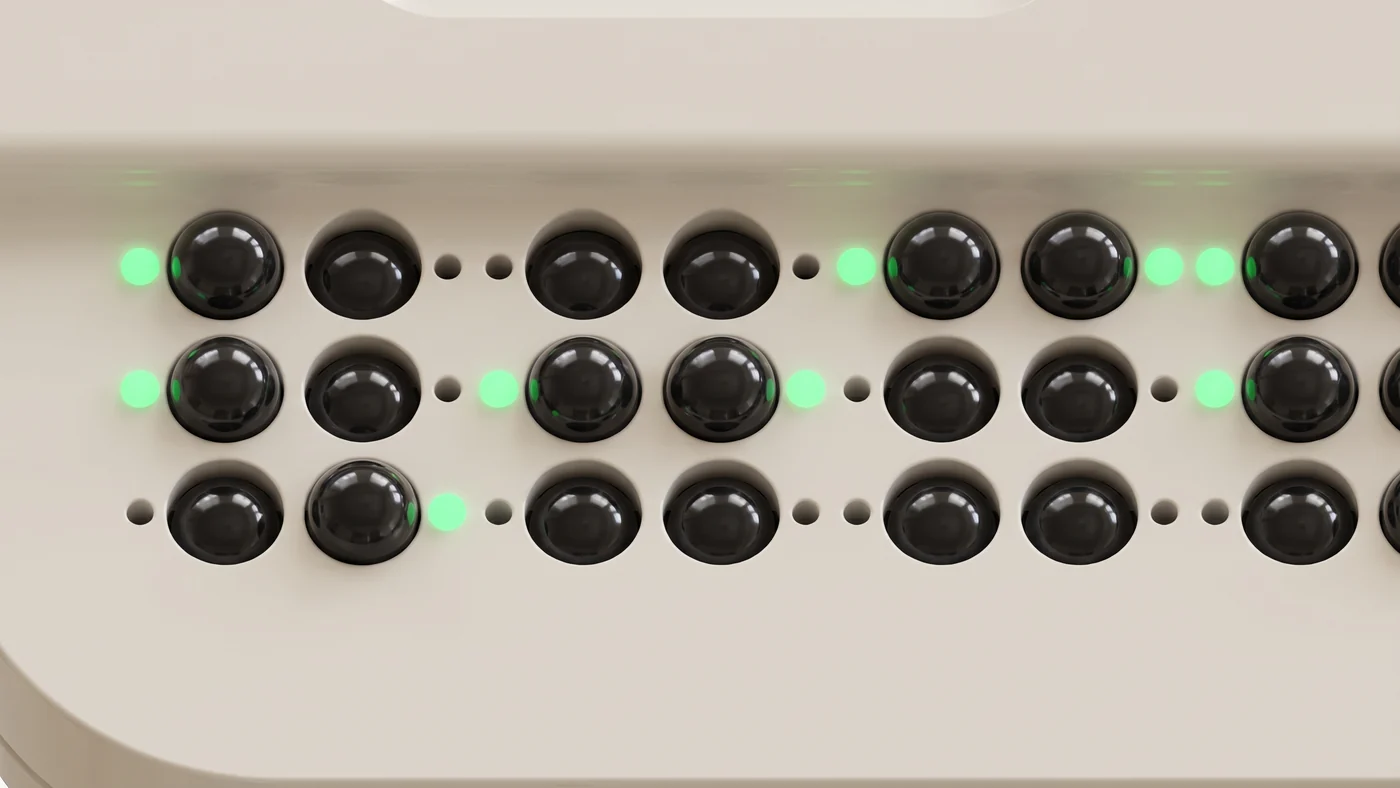
A braille typing trainer with 60 push-lock switches that form ten braille cells. The switches left standing are the braille, and a light beside each dot shows which to keep and which to press down, so someone who does not know braille can still teach alongside.
Textbooks exist. What is missing is a tool that tells you on the spot whether you got it right.
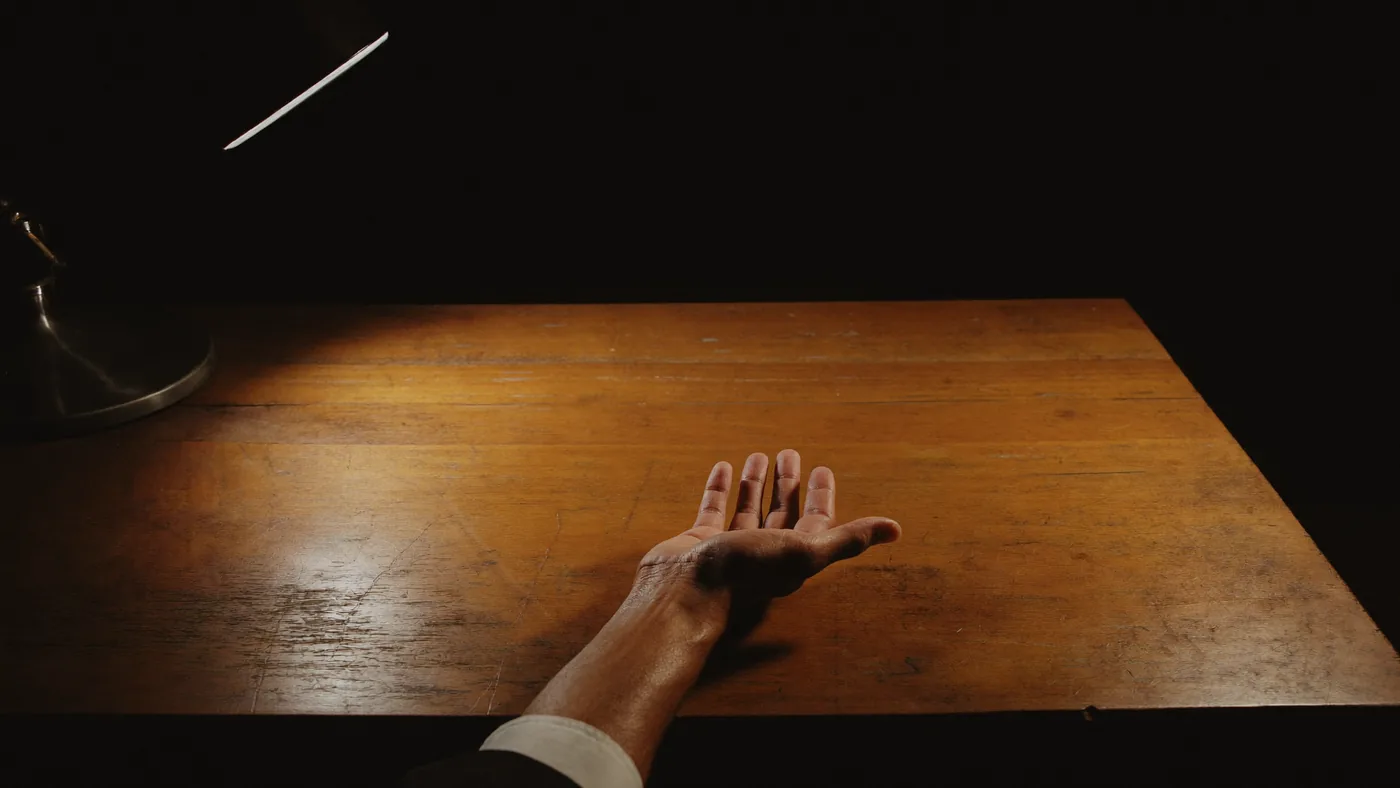
Once you punch the slate there is no way to check yourself. Someone has to read it back to you.
No progress aloneThe surest method, but you only learn while the teacher is there. The teacher has to know braille first.
Learning happens on a scheduleEach dot is a switch that locks down when pressed and pops back up when pressed again. A raised switch is a dot; a locked switch is an empty position. Under the fingertip the raised domes read as braille. Beside every switch is a small window that tells you, by colour, what to do next.
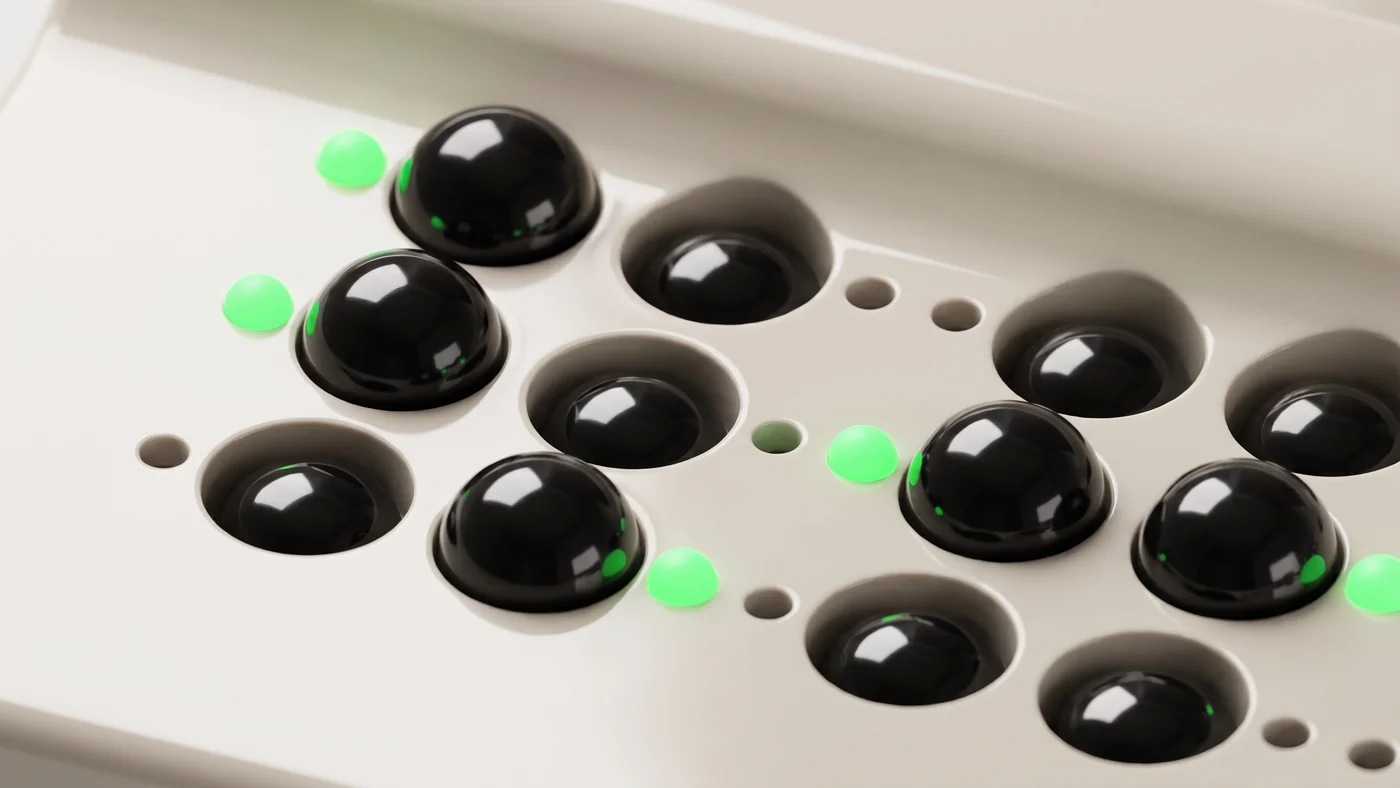
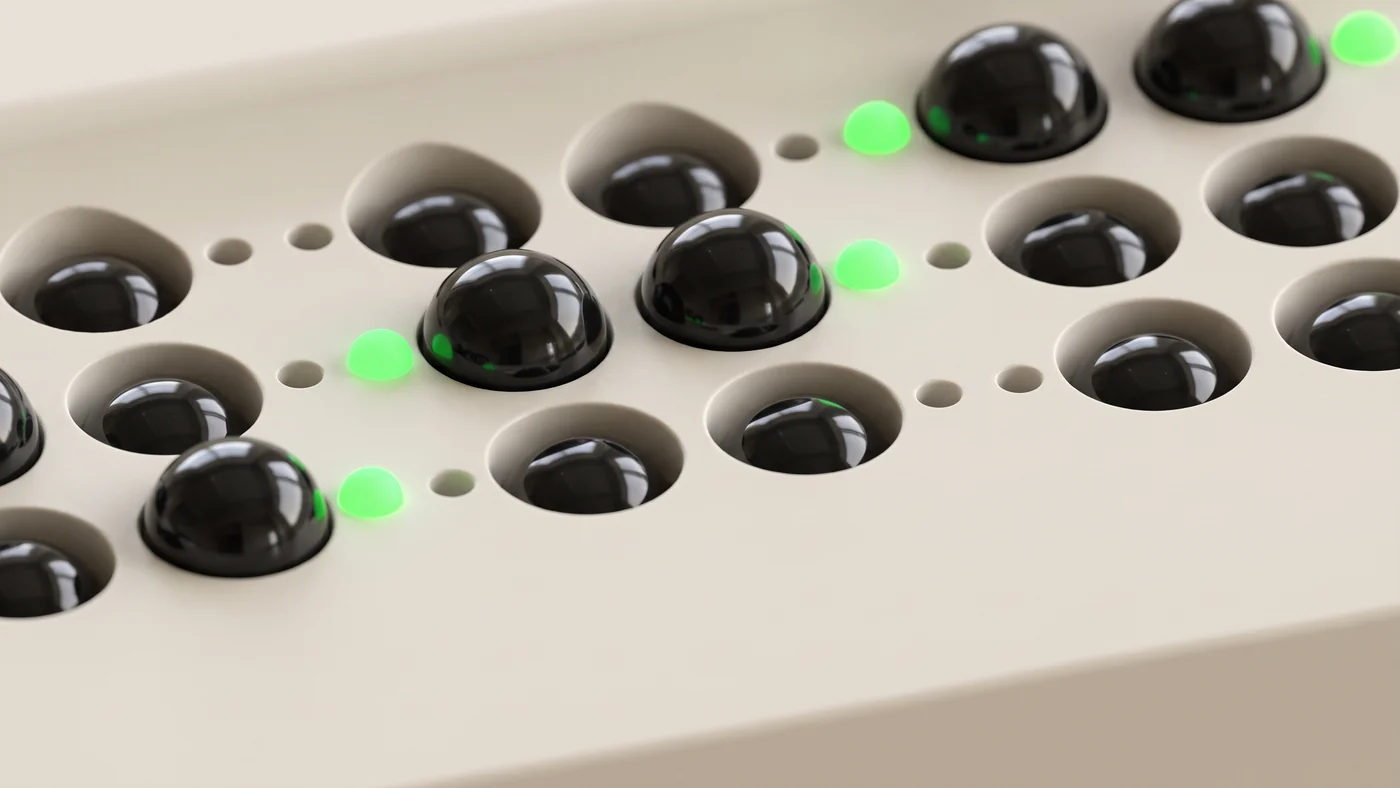
Here is why the lights are there. Braille is hard to learn alone, and the person who could help usually cannot read it. That goes for parents and teachers alike. We decided the learner reading by touch and the helper watching with their eyes must know the same thing at the same moment, and gave that job to the light beside each dot.
Green is a dot to keep, red a dot to press down, and blinking orange a dot to raise again. The colours can be chosen in the app, so next to someone who cannot tell green from red you can switch to blue and orange. Brightness is set in the same place.
A two-cell word lights two cells and leaves the other eight dark. So building the single letter 아 does not mean tidying the other nine cells first. The app also says aloud how many cells a word uses.
This device puts reading by touch first. Because a raised switch is the braille, learners can read back the shape they just built with their fingertips. The lights are for the person beside them, and each stage relies on them a little less.
Each stage leans on the lights a little less. When the question changes the app says how many cells it uses, and only those cells light up.
The app decides what to build and in what order. It connects to the device over Bluetooth, and progress stays on that device even without an account.
Korean braille shortens the letters that come up most often. The shortened form is called contracted braille and the full form uncontracted. Until you have learned those rules, contracted braille is unreadable.
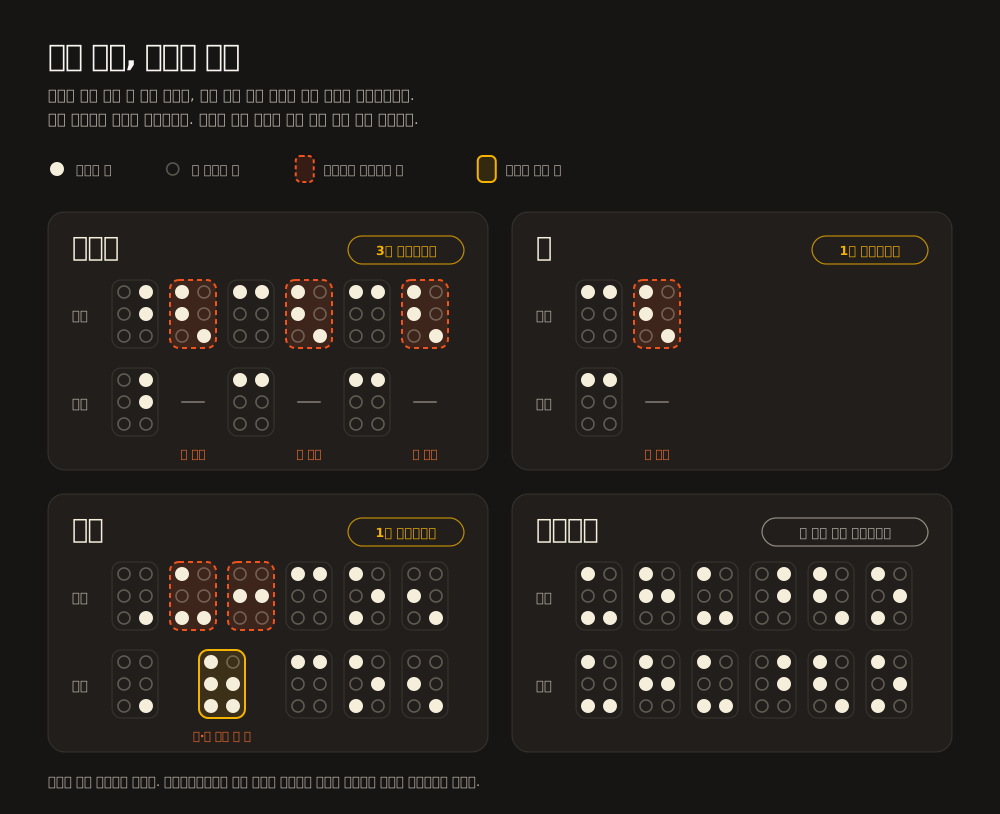
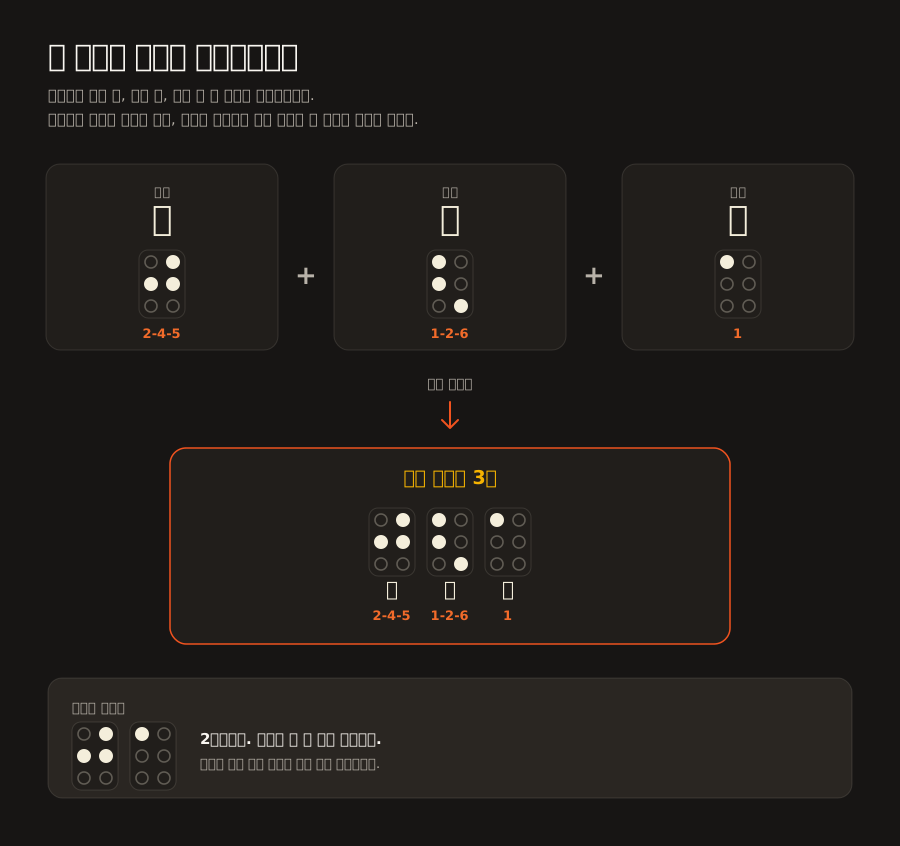
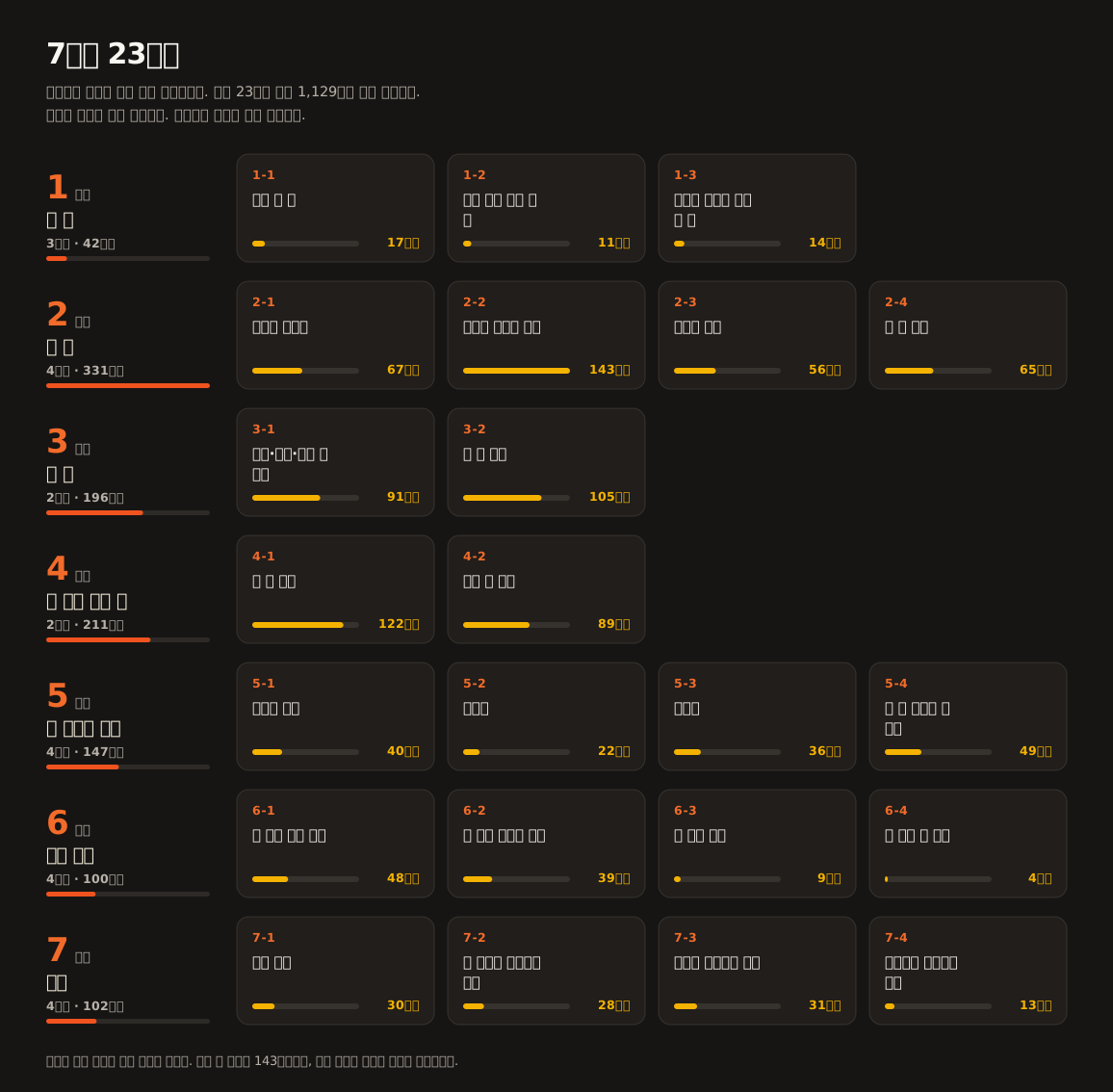
Which syllables shorten was not left to guesswork. All 11,172 Korean syllables were generated both ways and compared one by one, and 1,551 of them turned out to differ because of contraction. These charts come straight out of that comparison, so nothing in them is drawn by hand.
Instead of braille cells pushed up electrically, the learner raises and lowers the switches by hand. That keeps the build simple, and the shape stays under the fingertips.
It is a prototype today. Here is the order we are building in.