Product 018 CELL
Luminix
An 8-cell braille reader. Read digital text with your fingertips.
Devices that read well are heavy and expensive. Devices that are light barely read at all.
They read and write, but the weight and price make daily carry impractical.
Heavy and expensiveLight, but four cells break even a single word apart.
Barely readableLuminix works together with an app. The screens below are not mock-ups: each one was captured while actually operating the app that is deployed right now. All three features can be tried on the on-screen braille strip with no device at all.
Slicing every eight cells breaks the standard. How the text is cut is very nearly the whole feature.
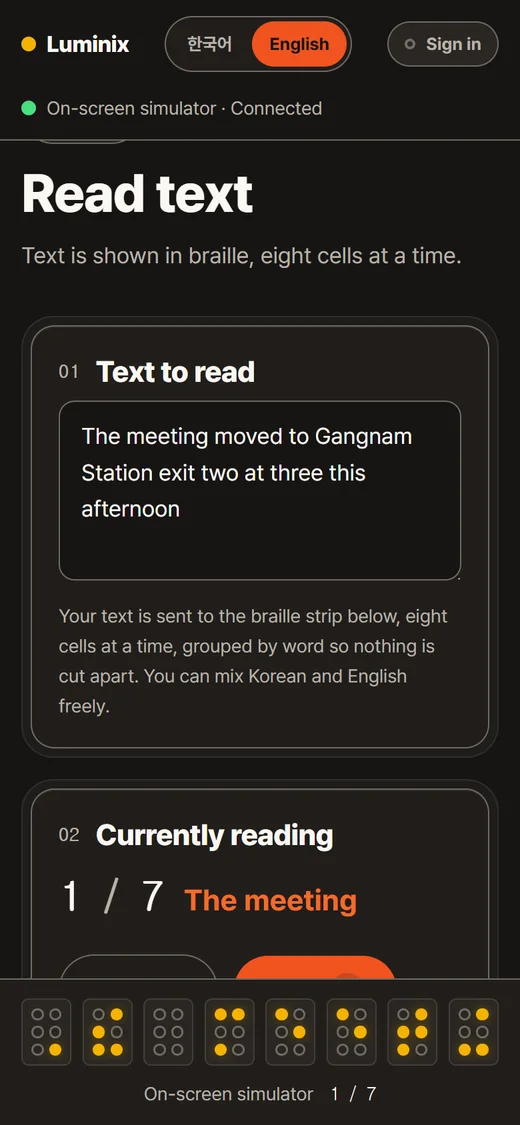
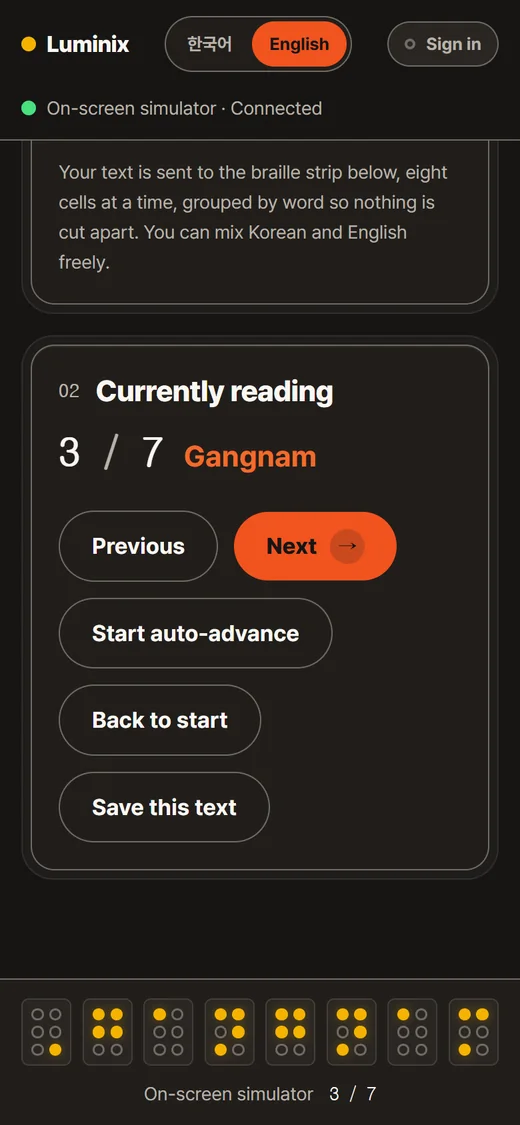
Roman letters inside a Korean sentence need an opening and a closing Roman-letter sign around them. Lift a word out on its own and the engine cannot see what surrounds it, so those signs are lost. Measured: in ‘오늘 회의는 Zoom 으로 합니다’ the word Zoom takes seven cells when the sentence is transcribed whole, and shrinks to five with the signs gone when the word is transcribed alone. Across five mixed sentences the two methods agreed on only two. The word Station behaves the same way in reverse: five cells inside this English sentence, seven inside a Korean one.
The 2024 revision of the Korean braille standard uses contractions, so several syllables can pack into a single cell. Cutting by cell count splits a contraction in half and it stops being readable. So the break falls only on a blank cell, and a single word is divided only when it alone runs past eight cells.
One cell is one byte and dot 1 is bit 0. The on-screen simulator and the Bluetooth device build the frame through the same code, so the pattern you see without a device is the pattern that reaches your fingertip with one.
Reading braille by touch varies several times over with practice, so it is not a value the app can pick. The interval lives in settings, and the button appears in the reading screen only for people who turned it on. Pressing previous or next at any moment hands control straight back.
Speech outruns a reading fingertip by three to seven times. Pushed through as it arrives, braille can never be caught up with.
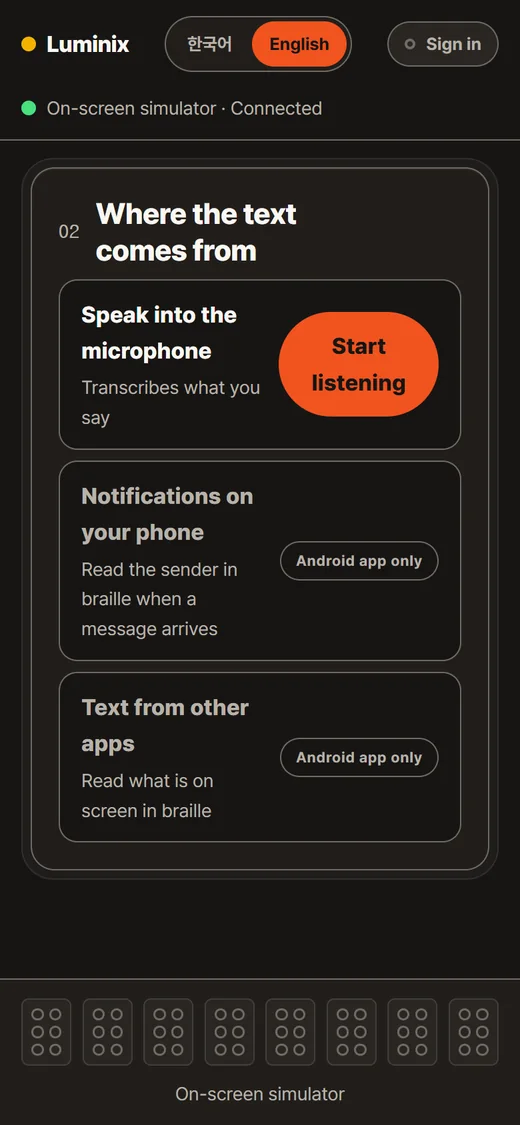
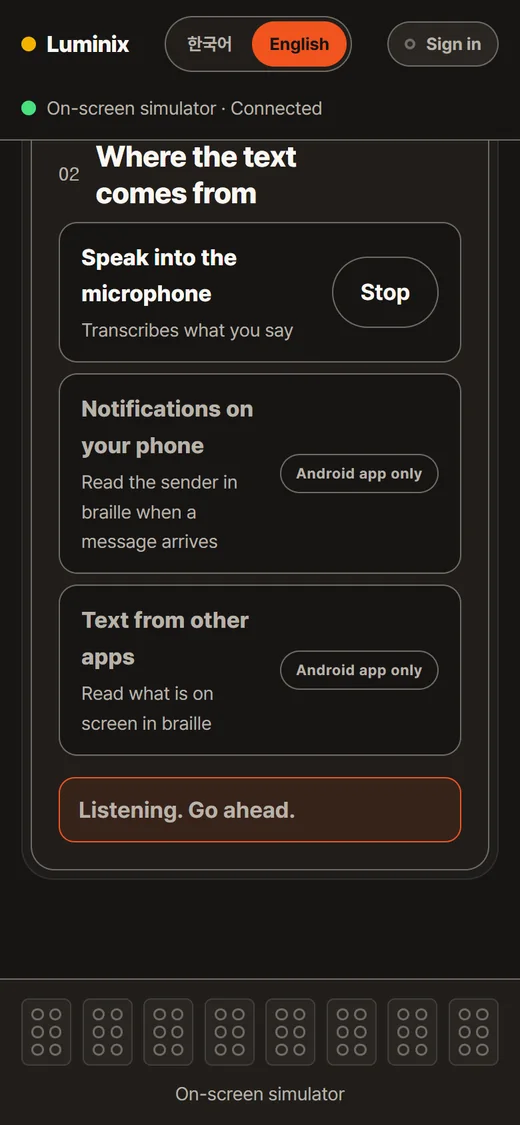
The gap runs three to seven times over, so streaming live would back the buffer up permanently. Speech is written down first, and the pace is set by the user’s own button presses.
Interim recognition results keep changing while a sentence is still being spoken. Sent straight through, the dots under a fingertip would shake along with every guess. Interim text stays on screen, dimmed, and only confirmed sentences are cut into cells.
A browser stops listening after a few seconds of quiet. The app does not report that as an error; it quietly starts listening again. If a three-second pause raised a warning and made ‘Listening. Go ahead.’ disappear, the user would believe the session had dropped while it was in fact still running.
Translucency actively hurts low-vision readers, so a blocked row is not faded. It simply drops emphasis and states the reason in words. When only a permission is missing, the reason is replaced by a button that opens the settings page, so a blocked row never becomes a dead end.
Direction and distance together overrun eight cells: ‘우회전 50m’ (turn right, 50 m) takes twelve. So the two axes were split apart.
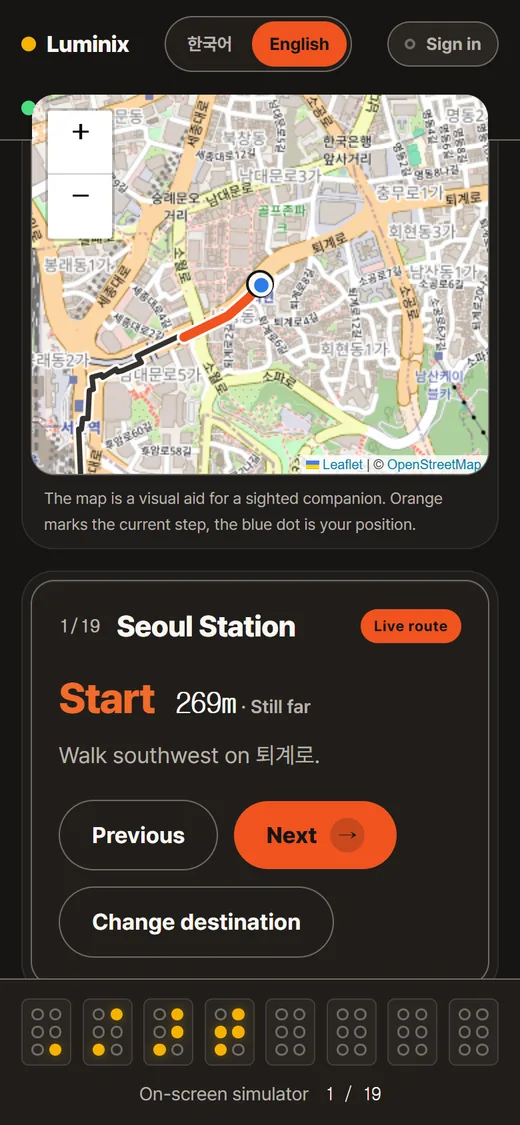
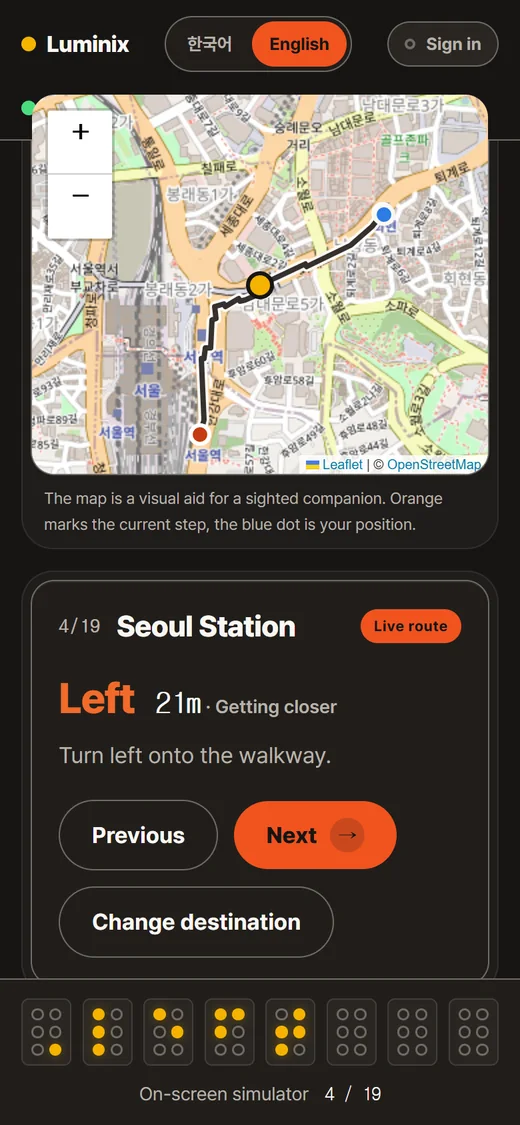
The Vibration API has no intensity control, only on and off. Pulse length stands in for strength instead, while the silent gaps are left untouched. Stretching the gaps as well would smear the rhythm that separates far from near.
‘횡단보도’ (crosswalk) measures nine cells, so it was shortened to ‘횡단’ at five; ‘엘리베이터’ is nine, so ‘승강기’ at seven is used instead. Every word was measured with the transcription engine rather than guessed. An unknown turn code falls back to ‘straight’ rather than inventing a direction.
Satellite positioning in a city is off by 5 to 20 metres, which is wider than a footpath. Announcing a turn on a timer, before the walker has reached it, can put them into a road. That is why the auto-advance used by reading and listening is the one thing navigation does not get.
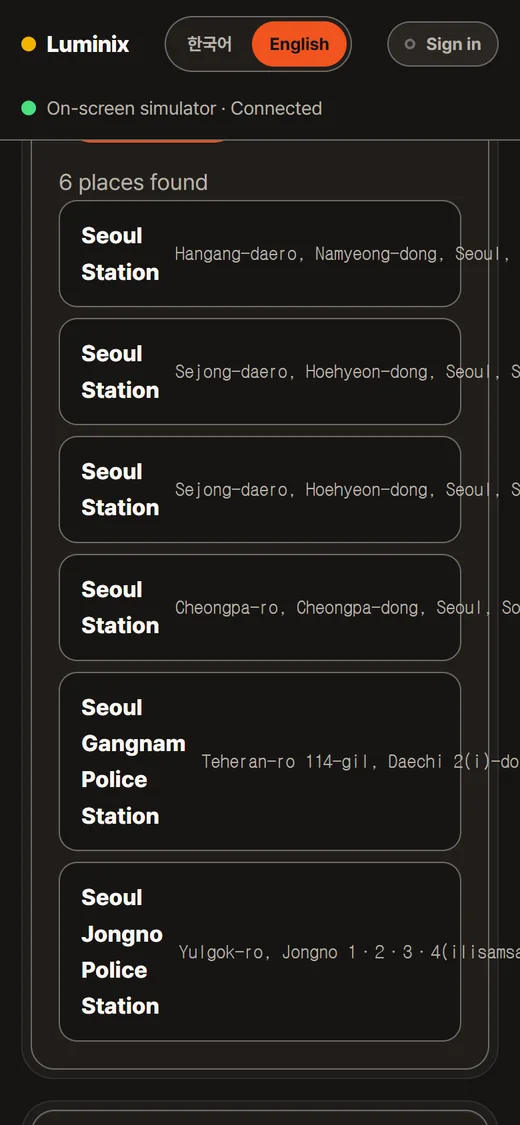
It is drawn for a companion or a low-vision user to look at. The same information already goes out as text and braille, so the map is hidden from screen readers entirely and keyboard focus is kept from being trapped inside it. The safety notice sits above the search box.
Reading, listening, and navigation run straight from Chrome. Reading phone notifications in braille, and translating English into Korean, run in the Android app.